Use this page to compare inflatable rental categories for a Newcastle event. Each category serves a different purpose, and the selected product page is the source for current dimensions, setup guidance, pricing, and date-based availability.
Compare inflatable categories for your event
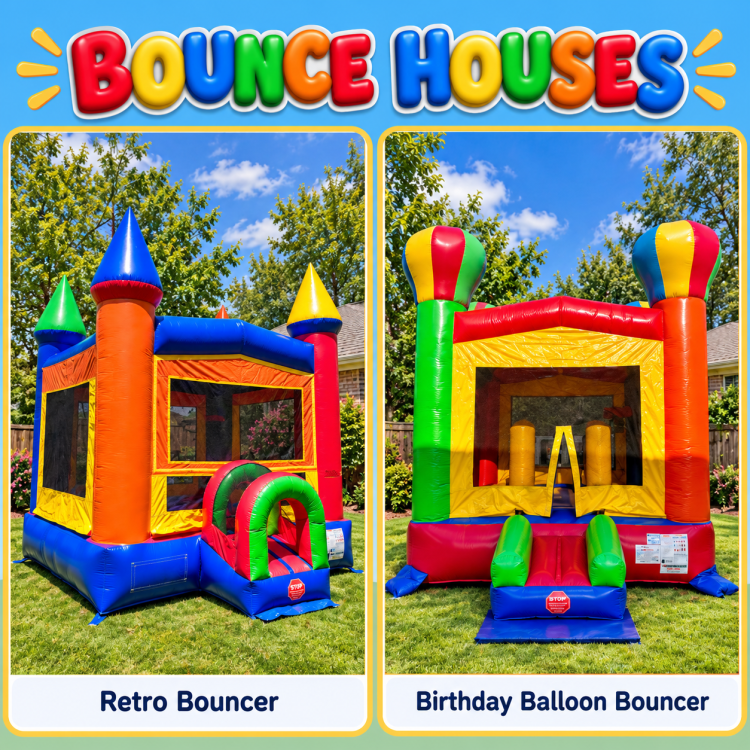
- Bounce houses: dedicated jumping units for birthdays and other events. Start with the bounce-house catalog.
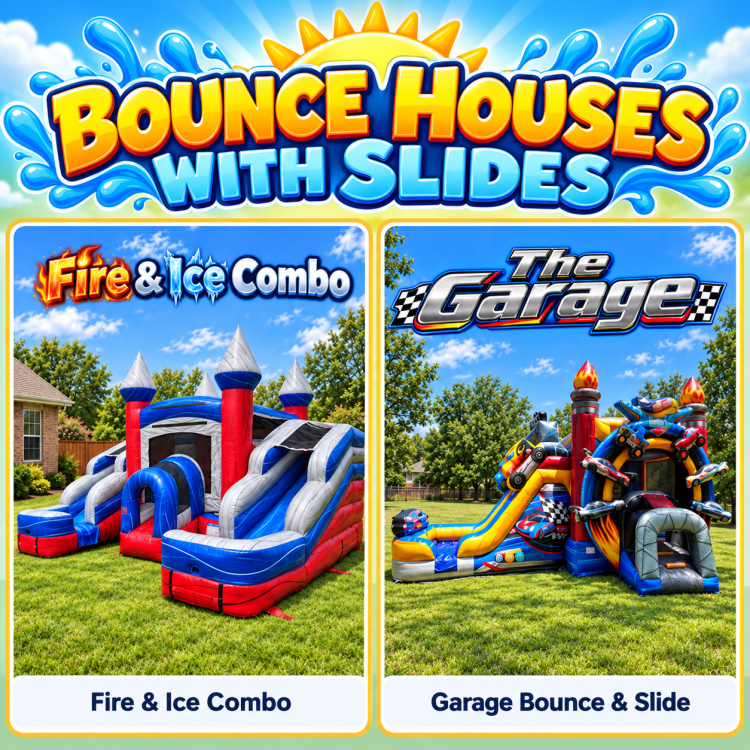
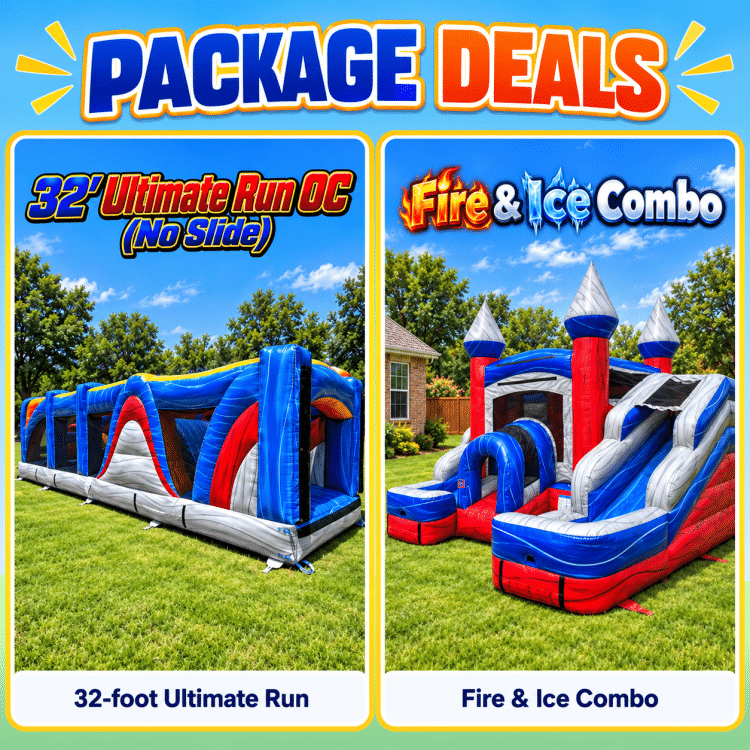
- Bounce-and-slide combos: combined jumping and sliding features. Compare the bounce-and-slide combo catalog.
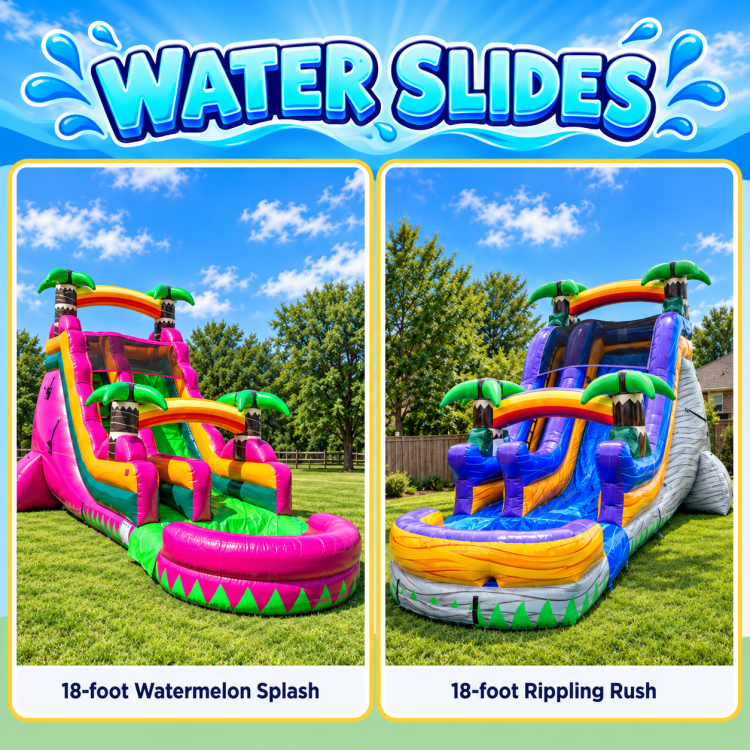
- Water slides: use the dedicated Newcastle water-slide page for this separate service.
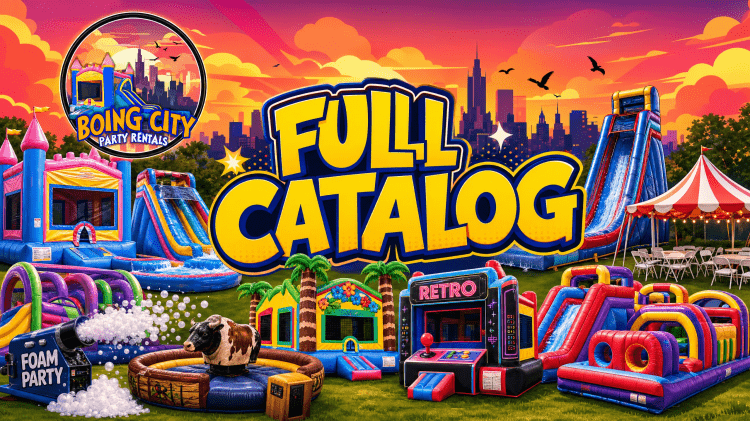
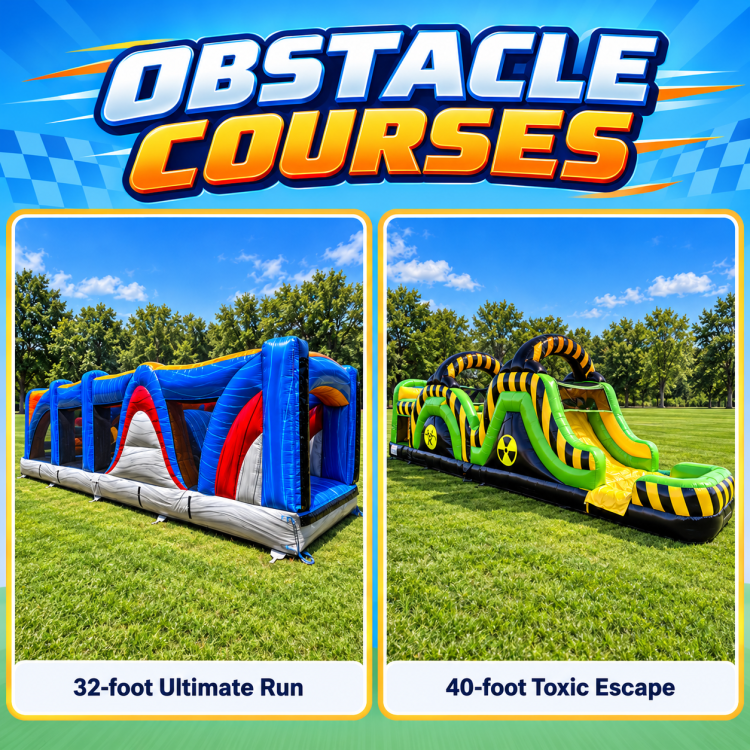
- Obstacle courses: compare the current obstacle-course inventory.
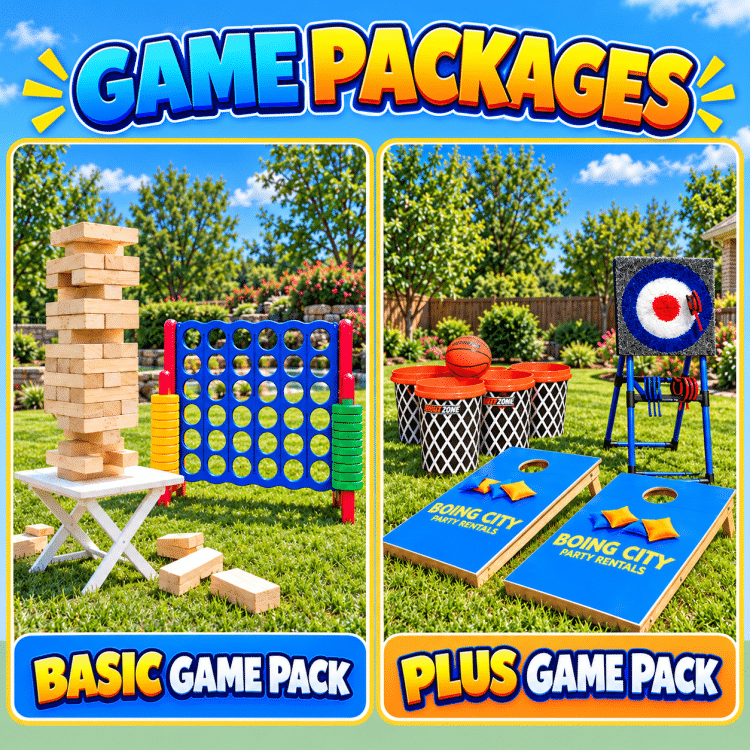
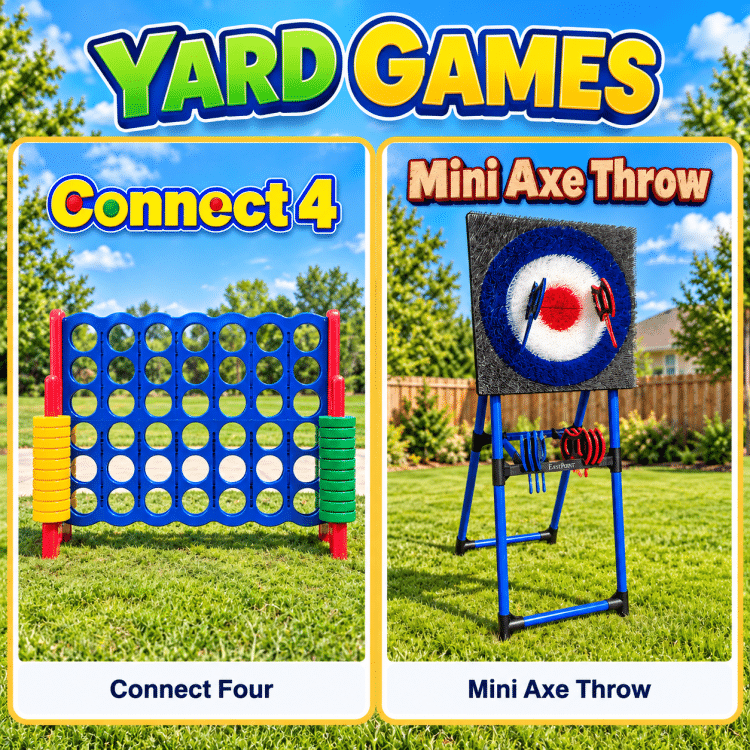
- Interactive and inflatable games: review the interactive and inflatable game catalog.
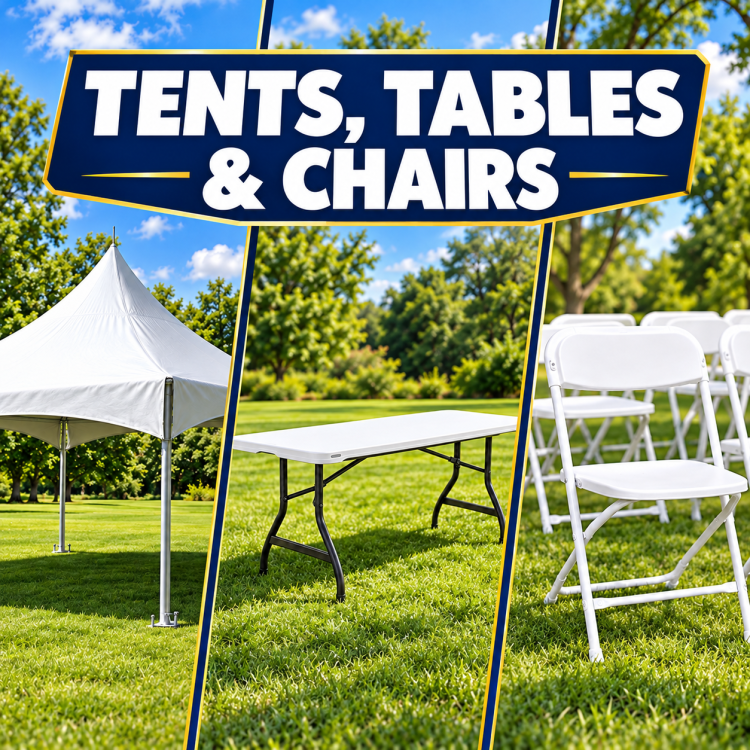
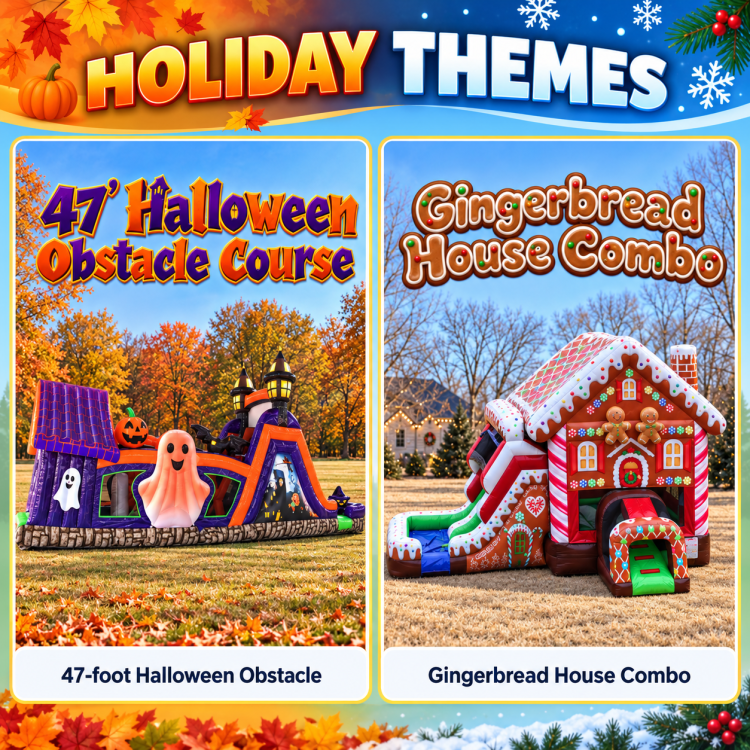
For categories beyond these groups, open the full rental inventory.


Review the selected product page
Product requirements vary. Open the individual product page to review its published dimensions and any surface, clearance, power, water, or other site guidance. Do not rely on a general category page for a product-specific requirement.
Measure the setup area and access path
Measure the complete usable setup area and the route from the delivery point to the setup location. Note gates, stairs, slopes, tight turns, hard surfaces, overhead obstructions, and indoor access. Compare those conditions with the selected product page before booking.
Choose the event date to check availability
Choose the event date before comparing products. The inventory and pricing displayed for that date are the current online booking reference. Availability can change by date and selected equipment.
Confirm the Newcastle event address
Enter the exact Newcastle event address during the booking flow. Delivery availability and any distance-based charges depend on the address, route, date, and selected equipment. Review the delivery-area information and contact Boing City when the location needs confirmation.
For parks, schools, churches, and managed venues, confirm the venue reservation, access, surface, utility, and equipment rules before booking.
Browse current rental categories
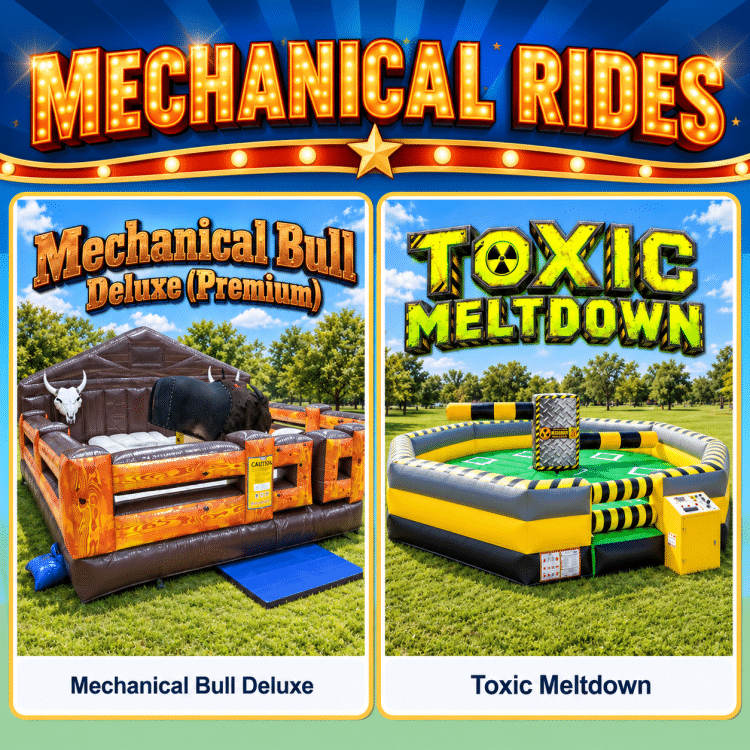
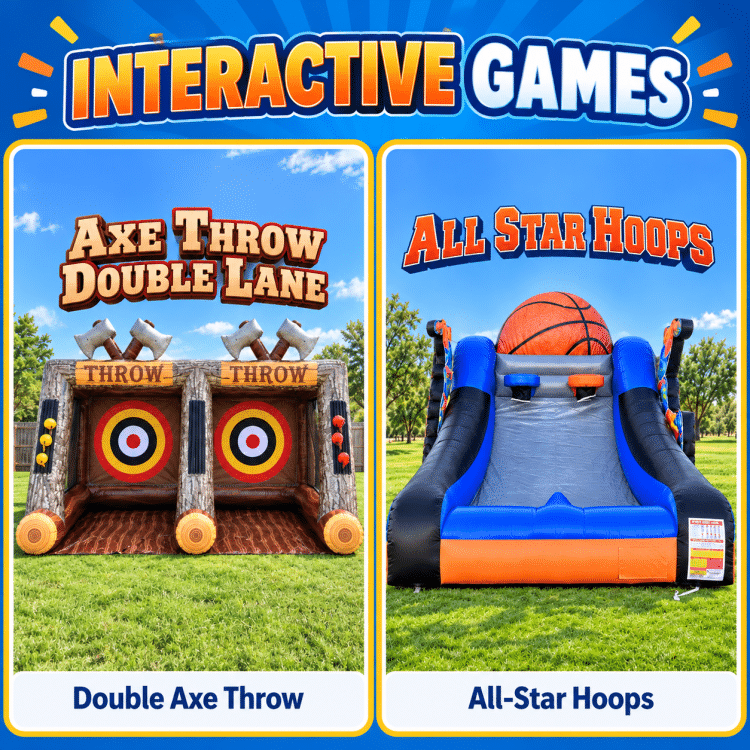
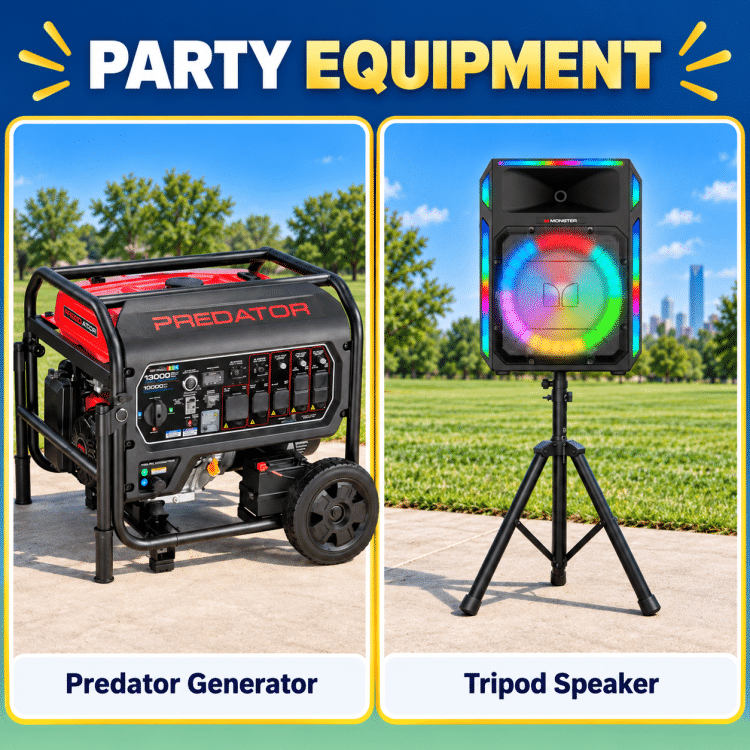
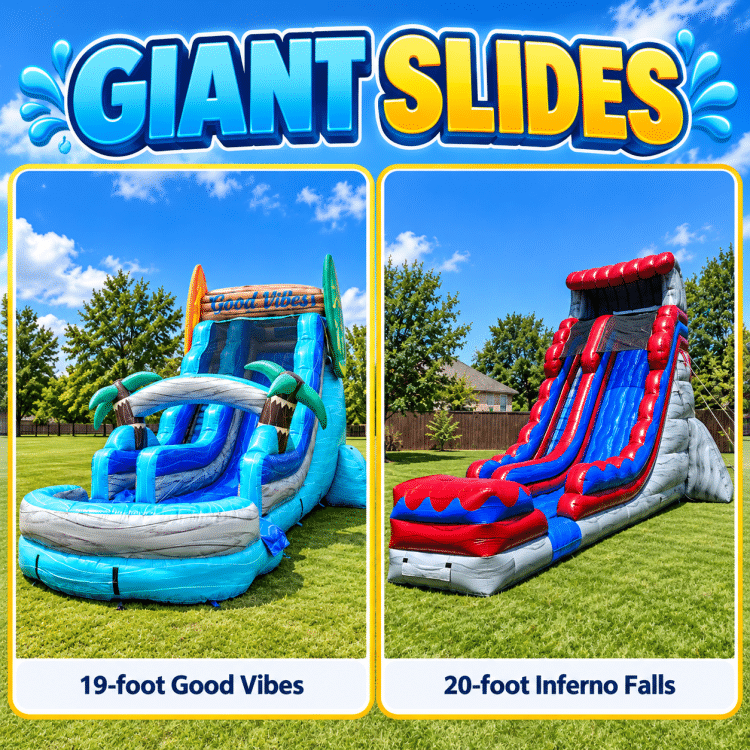
How to begin a Newcastle booking
- Choose the category that matches the event plan.
- Select the event date and compare the products shown.
- Open a product page and review its published details.
- Confirm the setup area, access path, address, and venue rules.
- Add the selected product to the cart and continue through the booking flow.
Inflatable rental planning questions
Where can I see current product pricing and availability?
Choose the event date in the relevant catalog, then open an available product page. The visible pricing and availability apply to the selected date.
How do I know which inflatable category fits the event?
Start with the activity you want: jumping, a combined jump-and-slide unit, a slide, an obstacle course, or an interactive game. Then compare the products in that category.
How do I know whether an inflatable fits the site?
Measure the usable setup area and access path, then compare those measurements with the selected product page. Confirm the surface, clearance, and venue rules before booking.
How do I check whether Boing City can serve the address?
Enter the exact Newcastle event address during the booking flow. Use the delivery-area information or contact Boing City when the address or venue needs confirmation.
How do I get help with the site details?
Use the contact page, call (405) 477-5883, or text Boing City when the address, access path, surface, venue rules, or selected equipment needs review.